Solution for Teachers
Turn Any Word List into a Structured Spelling Lesson
Plan. Teach. Practise. Assess.
The Spelling Bee helps teachers create class WordBanks, organise weekly spelling lists, teach spelling rules, run tests and monitor learner progress.
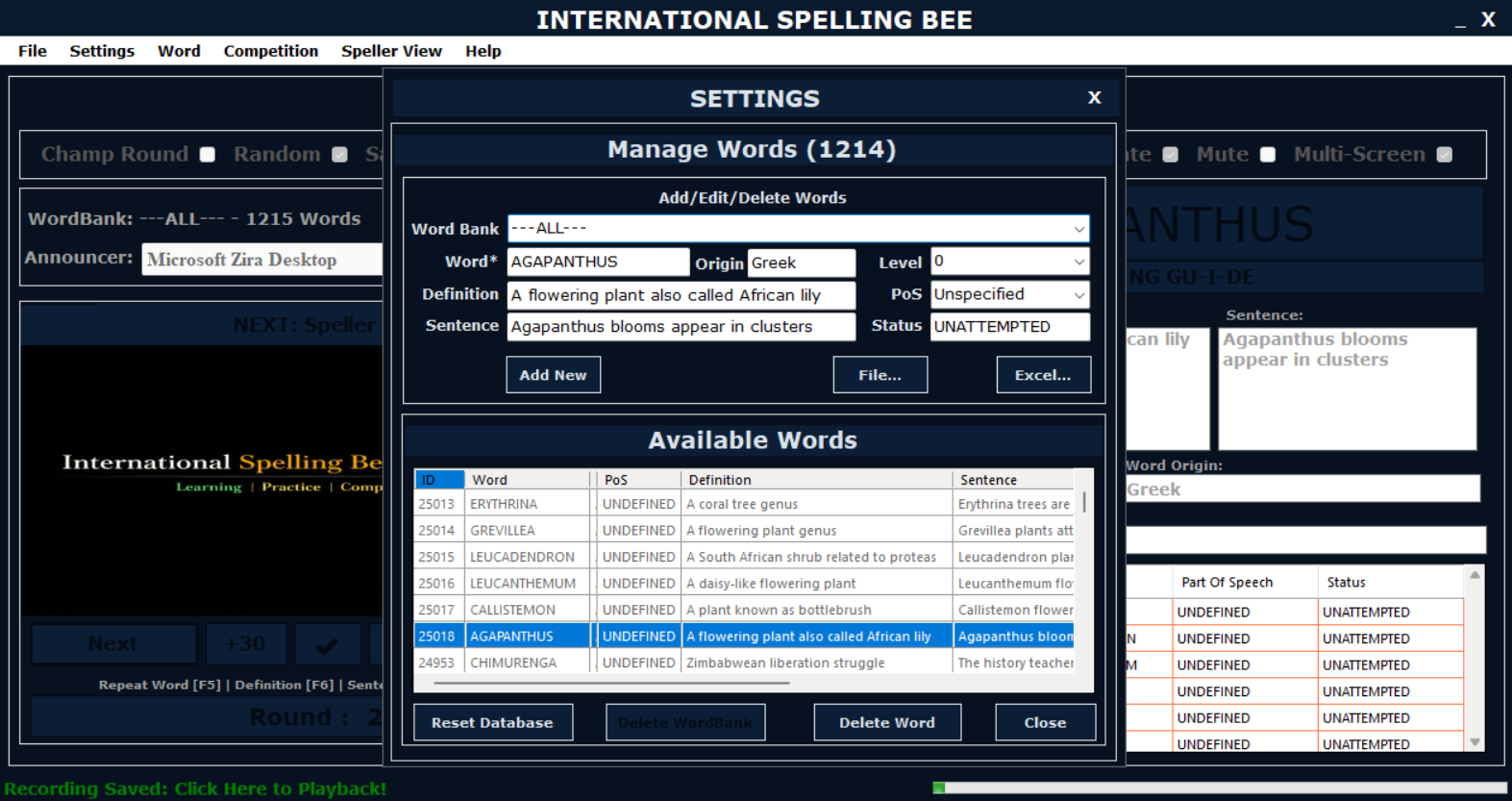
Create WordBanks and guide spelling lessons from one platform.
Teacher Workflow
From Weekly List to Friday Test
Teachers can move from word list preparation to structured learner practice and assessment.
1. Create a WordBank
Import or type weekly spelling words and organise them by class, grade, topic or spelling rule.
2. Teach the Pattern
Use rule-based WordBanks for Silent E, Soft C, TION, Greek roots, British spellings and more.
3. Let Learners Practise
Use Learn, Practice and Test modes to give learners repeated spelling exposure.
4. Review Results
Use reports and statistics to see attempted, correct, incorrect and unattempted words.
Teacher Tools
Useful for Differentiated Spelling Support
Class WordBanks
Create separate WordBanks for grades, groups, weekly lists, themes or spelling rules.
Advanced Filter
Filter large word lists by starts with, contains, ends with, length, level, origin or WordBank.
Progress Reports
Review learner attempts, scores, actual spellings, time taken and session results.
Word Statistics
See word list composition by attempted, unattempted, nouns, verbs, adjectives and levels.
Classroom Use
Support Mixed Ability Groups
Teachers can assign easier WordBanks to foundation learners and more advanced WordBanks to confident spellers.
Use the same software for classroom spelling and spelling bee preparation.
Teachers can start with school spelling lists, then gradually introduce rule-based WordBanks, speed practice and competition preparation.
Ready to Teach Spelling with Structure?
Use the Learning Edition to organise spelling lessons, practice and progress tracking.